


Voice User Interfaces (VUI) are revolutionizing how users interact with technology. With the rise of virtual assistants like Alexa, Google Assistant, and Siri, designing for voice has become a crucial aspect of UX. Unlike graphical interfaces, VUIs rely on spoken language, requiring a unique approach to usability and interaction design.
In this blog, we’ll explore the principles of VUI design, common challenges, real-world examples, and best practices to create an intuitive voice experience.
Why Designing for VUI Matters
1. Growing Adoption: Smart speakers and voice assistants are becoming household staples, making voice a major user interaction medium.
2. Hands-Free Convenience: Voice interfaces offer accessibility, allowing users to perform tasks without physical interaction.
3. Natural Interaction: Speaking is faster than typing, making voice interfaces an efficient way to interact with technology.
4. Multi-Device Integration: Voice interfaces are no longer limited to phones or speakers but are integrated into wearables, smart TVs, and even vehicles.
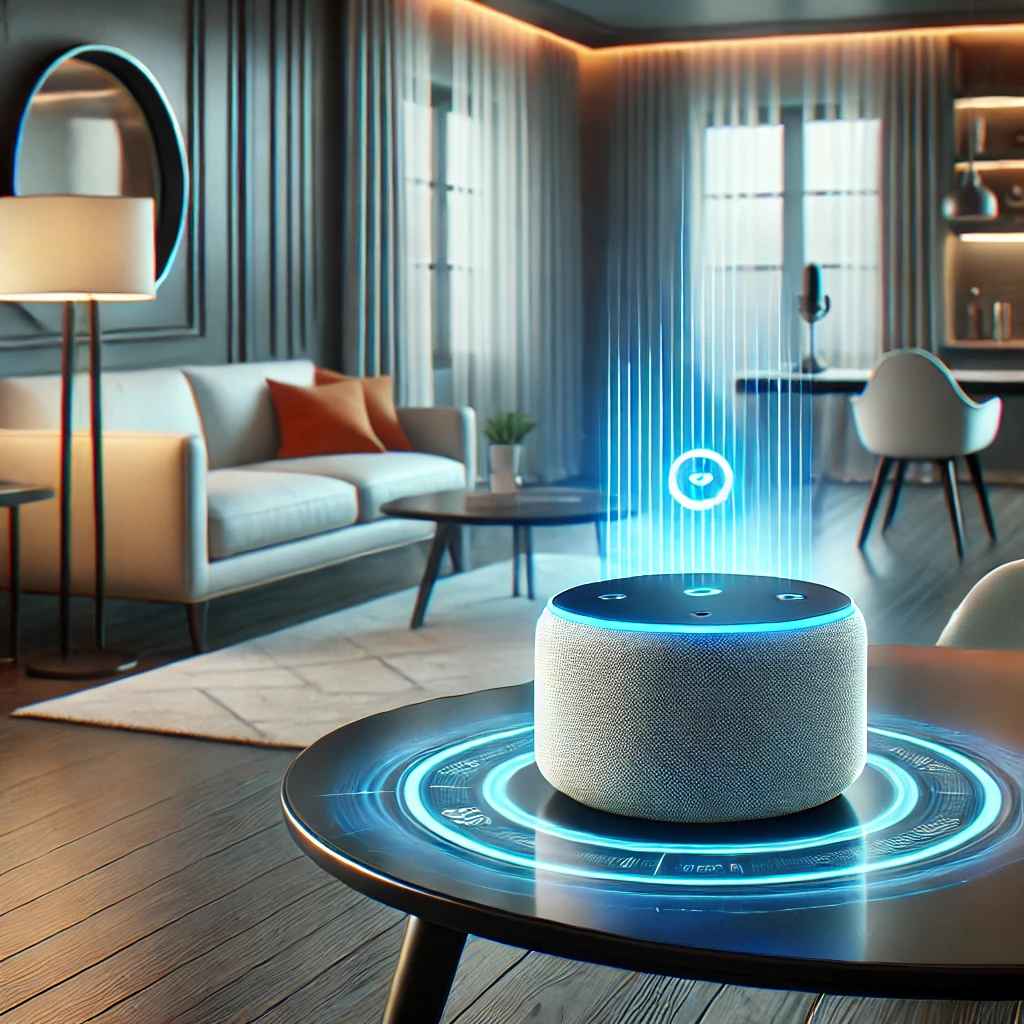
Key Differences Between VUI and GUI
- Linear vs. Non-Linear Interaction: Voice interactions are sequential, while graphical interfaces allow users to navigate freely.
- Memory Load: Users must remember commands in VUIs, unlike GUIs where options are visually available.
- Error Handling: Unlike clickable interfaces, voice errors need effective recovery mechanisms for misinterpretations.
Fundamentals of VUI Design
1. Understanding User Intent
A well-designed VUI anticipates user needs and responds naturally. User intent can be categorized into:
- Command-Based: “Turn off the lights.”
- Conversational: “What’s the weather like today?”
- Contextual Follow-Ups: “How about tomorrow?”
- Task-Oriented: “Book a flight to New York next Monday.”
2. Crafting a Natural Conversation Flow
Good VUIs should mimic human conversation. Some best practices include:
- Using natural language processing (NLP) to interpret user queries accurately.
- Allowing flexibility in phrasing (e.g., “Play some music” vs. “Can you play a song?”).
- Minimizing robotic responses to make interactions feel more organic.
- Supporting implicit confirmations, where the system proceeds without excessive confirmation (e.g., “Okay, playing your favorite playlist.”).
3. Error Handling & Recovery
Misunderstandings are inevitable in voice interactions. Effective error-handling strategies include:
- Providing re-prompting options (e.g., “I didn’t catch that. Can you repeat it?”).
- Offering context-aware corrections (e.g., suggesting alternatives instead of generic errors).
- Designing fallback mechanisms to guide users toward successful interactions.
- Using adaptive learning, where frequent misunderstandings prompt the system to refine its speech recognition.
4. Personalization & Context Awareness
Modern VUIs leverage AI to personalize user experiences:
- Remembering user preferences (“Order my usual coffee”).
- Adapting responses based on previous interactions.
- Providing contextual continuity in conversations.
- Using location-based triggers, like suggesting nearby restaurants when asked about dinner options.
5. Voice Feedback & Confirmation
Users need reassurance that their commands have been understood:
- Implicit Feedback: Playing a sound when a task is executed.
- Explicit Feedback: Confirming actions with responses like, “Turning off the bedroom lights.”
- Progress Indicators: Using cues such as “Processing your request…” to inform users.
- Multi-Sensory Responses: Using screen-based feedback where applicable, such as a smart display showing weather details while the voice assistant reads them out.

Best Practices for VUI Design
1. Keep Interactions Brief and Clear
Long-winded responses frustrate users. Responses should be:
- Concise yet informative.
- Structured for quick comprehension.
- Designed with an option to provide more details when needed.
2. Support Multi-Turn Conversations
Instead of limiting responses to one-time commands, create multi-turn dialogues:
- User: “Find me a good restaurant nearby.”
- VUI: “Do you have a cuisine preference?”
- User: “Italian.”
- VUI: “Here are the top-rated Italian restaurants in your area.”
3. Optimize for Ambient Noises
Voice assistants often operate in noisy environments. Improve recognition by:
- Using noise reduction algorithms.
- Encouraging users to rephrase commands when misheard.
- Allowing touch or text inputs as alternatives.
- Training models on varied audio conditions for improved accuracy.
4. Ensure Accessibility & Inclusivity
VUIs should accommodate diverse users, including those with disabilities. This includes:
- Supporting multiple languages and dialects.
- Using adaptive speech recognition to understand different accents.
- Providing alternative input methods (e.g., text-based commands).
- Enhancing support for speech impairments by allowing customized voice training for individuals.
5. Continuous Learning & Improvement
AI-driven voice systems should improve over time by:
- Learning from user interactions to enhance accuracy.
- Collecting feedback to refine responses.
- Regularly updating voice models based on user behavior.
- Using A/B testing to optimize responses and improve overall experience.
Challenges in VUI Design
1. Speech Recognition Errors
Accents, dialects, and speech impairments can lead to misinterpretations. Solution: Implement machine learning models trained on diverse datasets.
2. Context Retention
Voice interactions often lack visual context, making it difficult to track multi-step commands. Solution: Use AI-driven memory systems to recall previous interactions.
3. Privacy Concerns
Voice assistants continuously listening to conversations raise security concerns. Solution: Offer clear opt-in settings and allow users to review stored voice data.
4. Handling Complex Queries
Users often provide vague commands that require clarification. Solution: Implement dynamic follow-up questioning to narrow down intent (e.g., “Would you like flight options sorted by price or duration?”).

Future of Voice Interfaces
- Integration with IoT: Smart homes and connected devices will make voice assistants more functional.
- Emotion Recognition: Advanced AI models will interpret tone and emotions for more human-like interactions.
- Seamless Multimodal Experiences: Combining VUI with GUI will enhance interaction flexibility.
- Advanced Voice Biometrics: Personalized experiences will improve as VUIs distinguish between different users in a household or workplace.
Conclusion
Designing for VUI is an evolving field that requires a deep understanding of human communication. By focusing on user intent, error handling, and conversational design, you can create voice interfaces that are intuitive and efficient. As voice technology advances, ensuring seamless, natural, and personalized interactions will be key to enhancing user experiences.
Level up your UI/UX skills! Learn to create stunning interfaces and seamless user experiences with our Advanced UI/UX Design Course. Boost your career and design products that stand out.
Enroll today at Kaarwan for more insights!
FAQs
1. What is the difference between VUI and GUI?
VUI relies on voice commands, while GUI uses visual elements like buttons and text for interaction.
2. How can I improve speech recognition accuracy in VUIs?
Train AI models on diverse datasets and incorporate noise-canceling techniques.
3. What industries benefit the most from VUIs?
Healthcare, smart homes, customer service, and automotive sectors are major beneficiaries.
4. How do VUIs handle complex queries?
Advanced NLP and context retention techniques enable VUIs to process multi-step interactions.
5. What are the biggest challenges in VUI adoption?
Speech recognition accuracy, context understanding, and privacy concerns remain key challenges.




